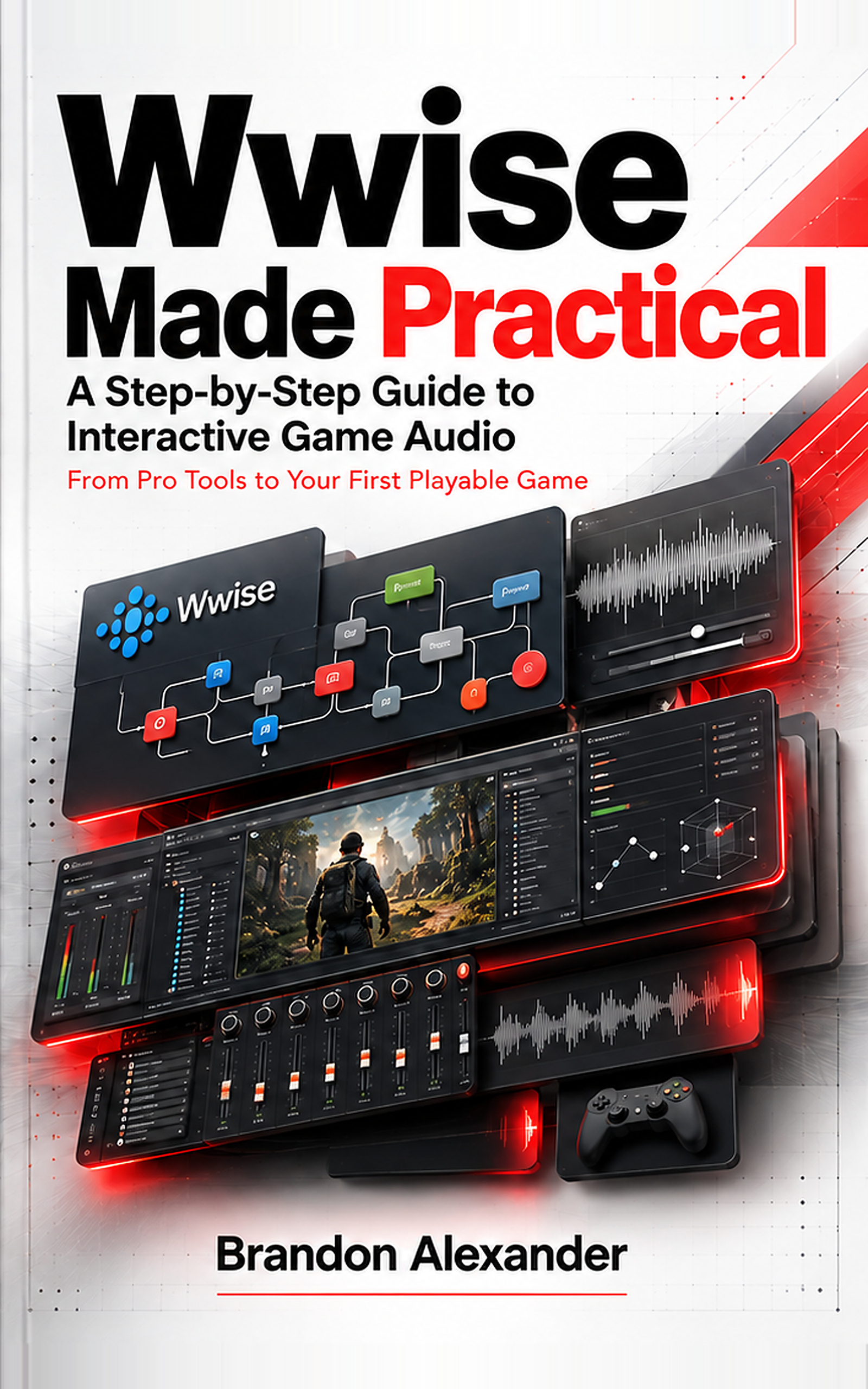
Interactive game audio / By Brandon Alexander
Wwise Made Practical
A Step-by-Step Guide to Interactive Game Audio
Follow a fictional outpost project from Pro Tools asset prep to interactive sound in Wwise. Build up the project one sound at a time and learn how player actions and game conditions change what you hear.
Where to buy
What you’ll practice
- Prepare, name, and export game-ready audio from Pro Tools.
- Organize assets and trigger them with Wwise Events.
- Use Switches, States, and RTPCs to make sound respond to gameplay.
- Work through spatial audio, mixing, and profiling.
Who it’s for
Audio producers and sound designers taking their first steps into game audio implementation.
Also by Brandon Alexander · Mastering Audio for Gaming